QR Viewer
Look first, then open.
Scanner for QR codes and barcodes for iPhone, iPad and Android. QR Viewer first shows you only what the code contains. A link is opened or an action started only after you explicitly confirm.
- No ads
- No tracking
- No account
- No own servers
- Open source
- 13 languages
Current version: 2.2.0 · October 2026
How it works
1. Scan
Point the camera at the code. Recognition runs entirely on your device.
2. Look
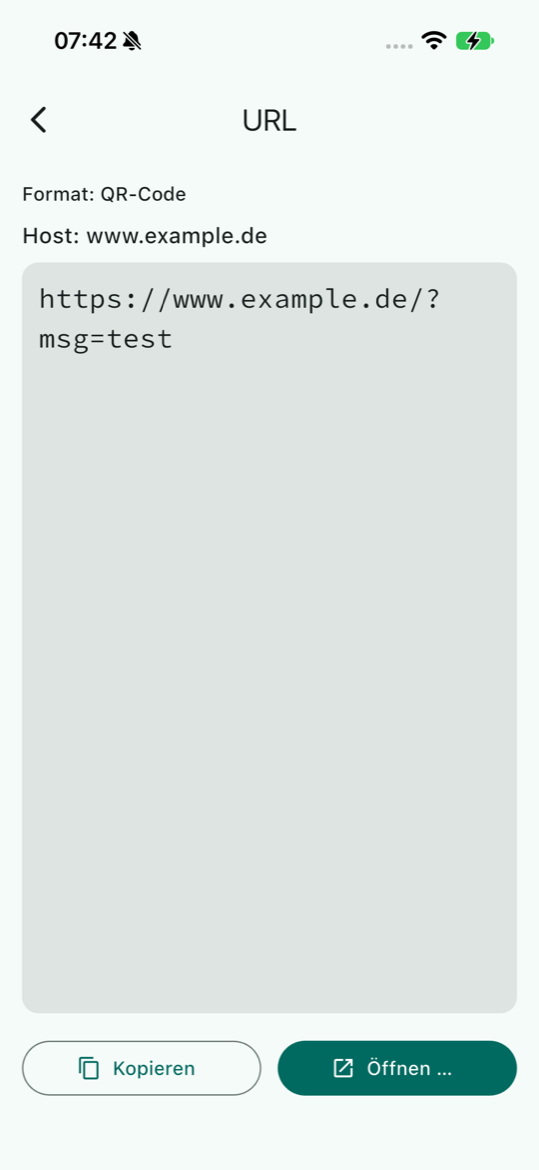
The app shows the content, the format and, for links, the host. Nothing opens automatically.
3. Decide
Open, copy, share or discard – every action only after your confirmation.
Security
QR Viewer was built for handling untrusted codes. Fake QR codes on parking meters, charging stations or invoices (“quishing”) only work if an app opens the link without asking. QR Viewer never does.
Nothing opens automatically
Every link and every action (email, call, SMS, map, authenticator, bank transfer) runs only after a confirmation. The dialog shows the full target so you can check the host.
Tracking parameters are removed
Known advertising parameters such as utm_*, fbclid or gclid are stripped from the link before it is opened.
Dangerous URL schemes blocked
file:, javascript:, data:, intent:, content:, blob: and other risky schemes are never opened. There is no WebView, no dynamic code and no deep links into the app.
No network code in the app
The app code itself never opens a network connection. The internet is only reached when you explicitly confirm a link or a look-up action.
History encrypted (AES-256)
The last 25 scans are stored encrypted with AES-256-CBC and HMAC-SHA256. The key is generated randomly per installation and kept only in the iOS Keychain or Android Keystore – not in iCloud, not in backups.
2FA secrets are never stored
One-time password keys (otpauth://) never end up in the history. Android backup is disabled for the app (allowBackup=false).
Only one permission: camera
No access to location, contacts, calendar, storage, microphone or Bluetooth. Contacts and events are passed on as .vcf/.ics via the share sheet – without contact or calendar permission.
Signature check for eTickets
VDV eTickets (e.g. Deutschlandticket) are decoded locally and their signature is verified against bundled public VDV keys. The parsers check lengths and catch malformed input.
Open source code
The complete code is available on GitHub under the Apache License 2.0. Anyone can verify what the app does – and what it does not.
Privacy and GDPR
QR Viewer does not collect, store or transmit any personal data to the developer. The app has no user account, no advertising, no analytics or tracking, and no servers of its own.
Data minimisation
The camera image is processed in memory only, never stored or transmitted. Only the last 25 scans plus scan mode and zoom level are stored locally. (Art. 5(1)(c) GDPR)
Storage limitation
At most 25 history entries, deletable individually or all at once at any time. Deleting the app removes all data. (Art. 5(1)(e) GDPR)
Transparency
Privacy policy in German and English, an info button explains every data card, the confirmation dialog always shows the full target. (Art. 12, 13 GDPR)
Processing on the device only
Scanning, history and hand-over to other apps happen on your own device for personal purposes. The developer holds no data that would have to be disclosed, corrected or deleted.
Data protection impact assessment
Although no DPIA is required, a security audit with a DPIA under Art. 35 GDPR was carried out voluntarily. Result: low risk. The measures for findings F2 and F6 have been implemented since version 2.2.0.
Transparency on Android: Google ML Kit
On Android the app uses Google's ML Kit for code recognition. Recognition runs on the device; camera images are not sent to Google. ML Kit may, however, send technical diagnostic data (device model, OS version, app version) to Google. On iOS, Apple's Vision framework is used without any third party.
Documents
Features
Scan modes
QR code, barcode (EAN-13, EAN-8, UPC-A, UPC-E, Code 128, Code 39, Code 93, Codabar, ITF-14), Data Matrix, PDF417, Aztec or all codes at once.
Content detection
Contact, event, Wi-Fi, email, phone, SMS, location, link, bookmark, GiroCode bank transfer, one-time password, JSON, product number (EAN/UPC, ISBN, ISSN), Deutsche Post matrix code, Matter device.
eTickets and binary data
VDV eTickets such as the Deutschlandticket are decoded and signature-checked. Binary codes are shown as a hex dump.
History
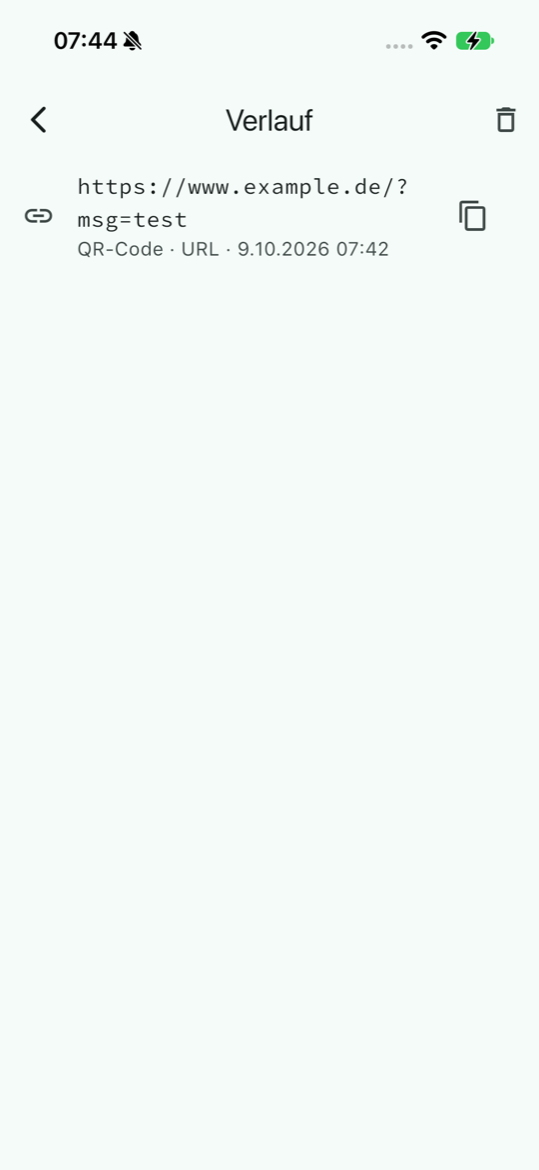
The last 25 scans: reopen, search, swipe away individually (with undo), export as CSV or JSON.
Copy, share, show
Copy or share the content with one tap, show the scanned code as an image in its original format.
Zoom and torch
Rear camera zoom levels as in the camera app, torch with state indicator, light and dark mode.
Supported codes
Manual
The manual explains scanning, the result page, actions, the history and privacy in plain words. Its appendix shows every supported kind of code on its own page, with a scannable example code and the matching result page of the app.
Read the manual Download as PDFOpen source
QR Viewer is licensed under the Apache License 2.0. Source code, changelog, privacy policy and DPIA are public on GitHub. Please report bugs and ask questions via the issues.
Go to the repository